


ICT, Backed By Real Options Data
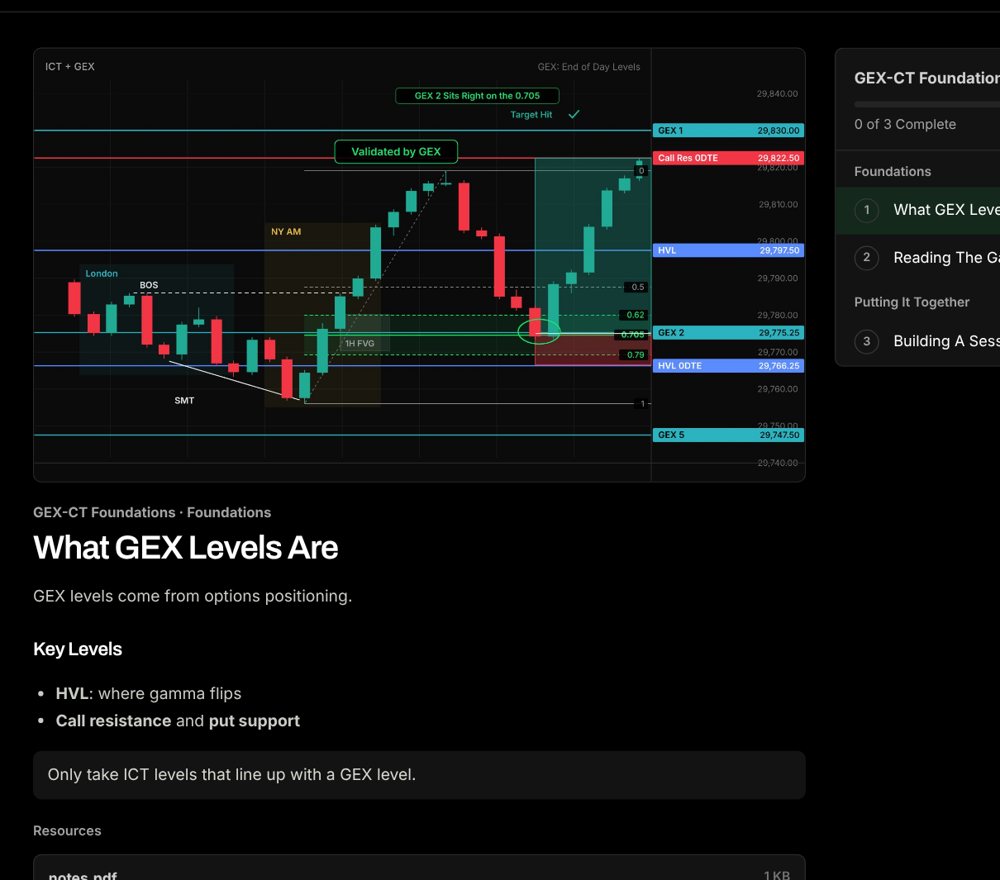
Replay NQ with each session's GEX levels, mark the model live on TradingView and journal every trade with its gamma regime.
Click Around. This Is a Sample Replay Of The Platform.
Backtester
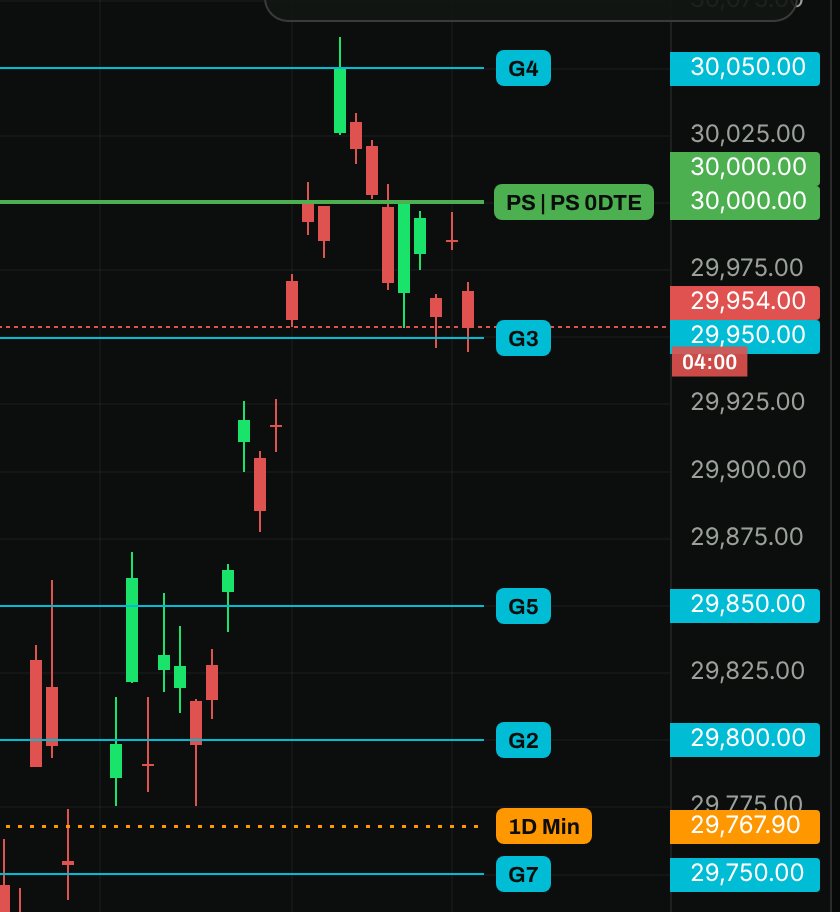
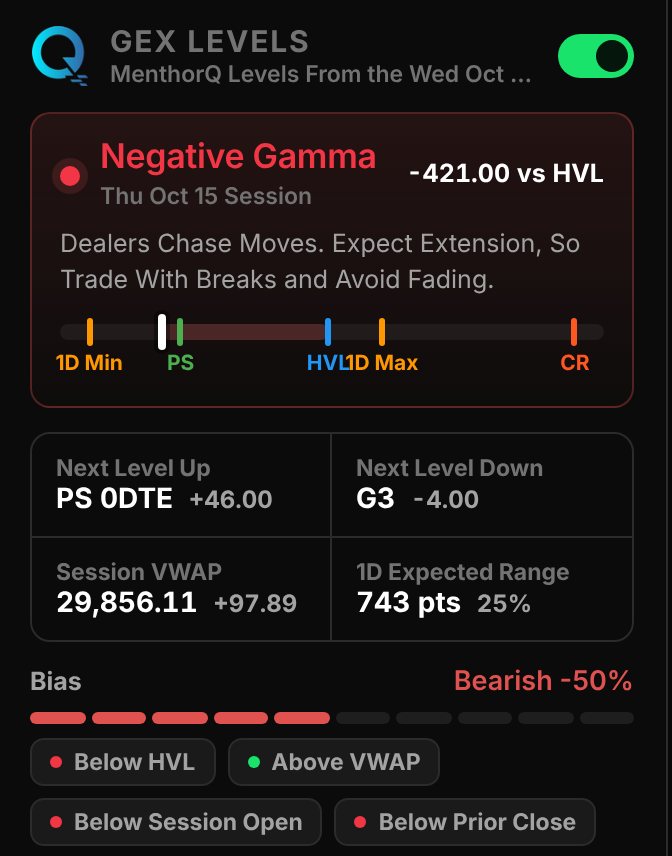
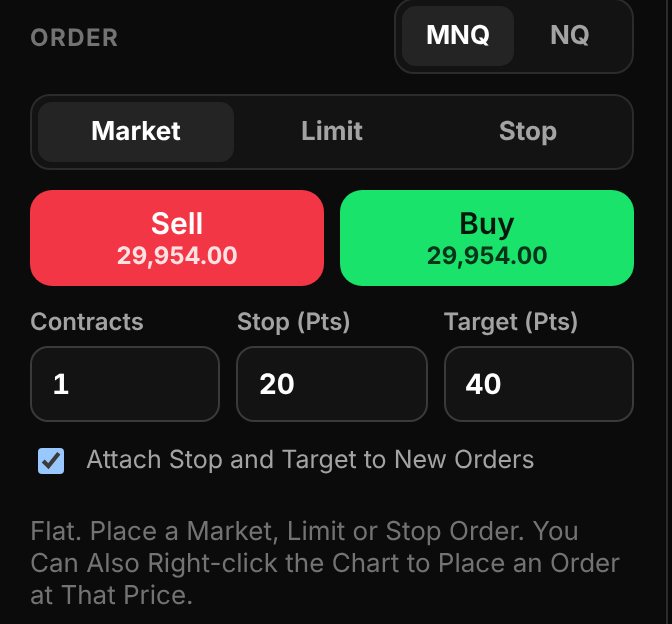
Replay NQ With The Levels On The Chart
Pick any day, step it bar by bar and trade it with the prior close's GEX levels.
Indicator
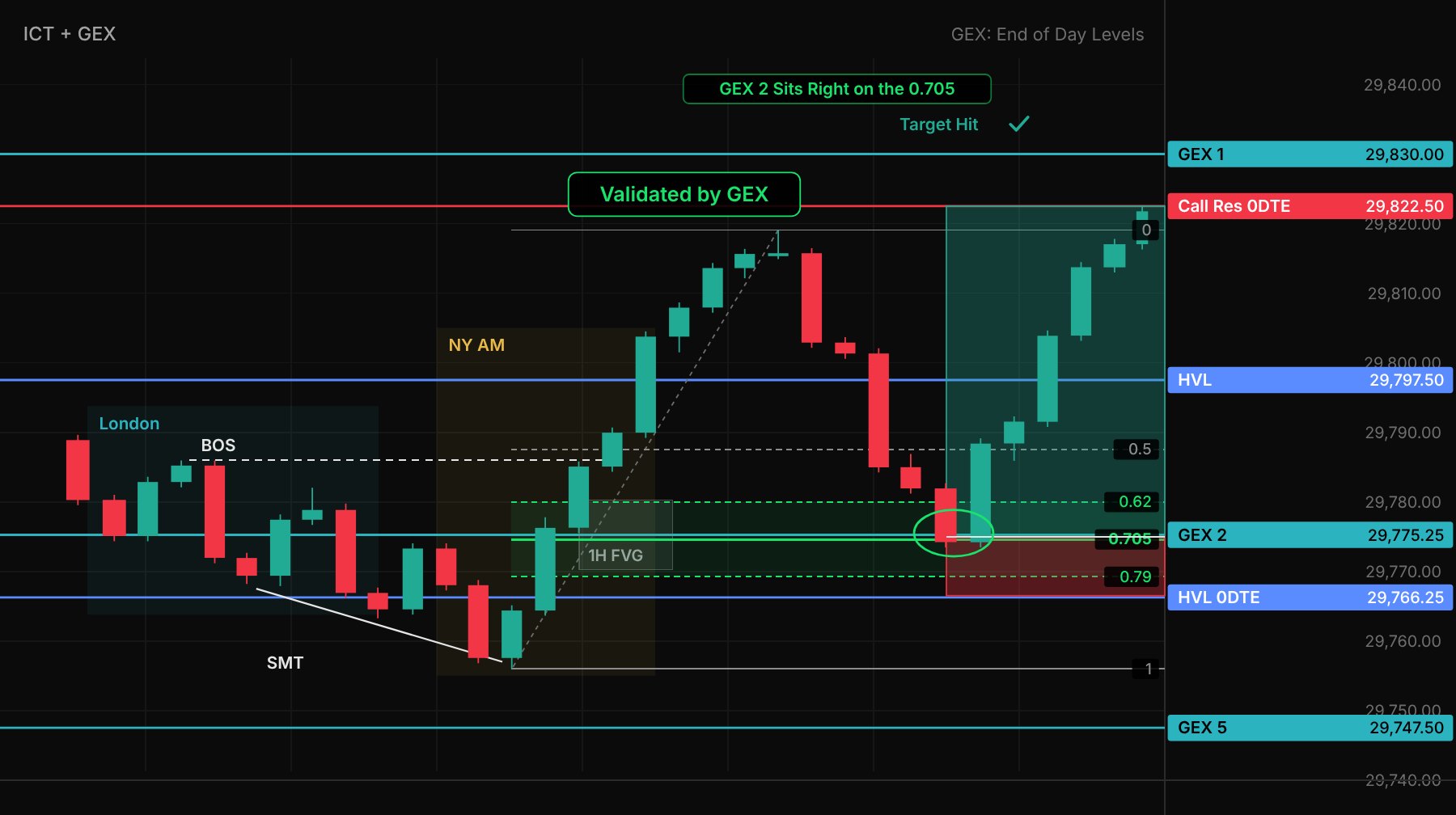
GEX-CT | Pro+ On TradingView
The whole model on your live chart, included in the Full Suite.
Journal
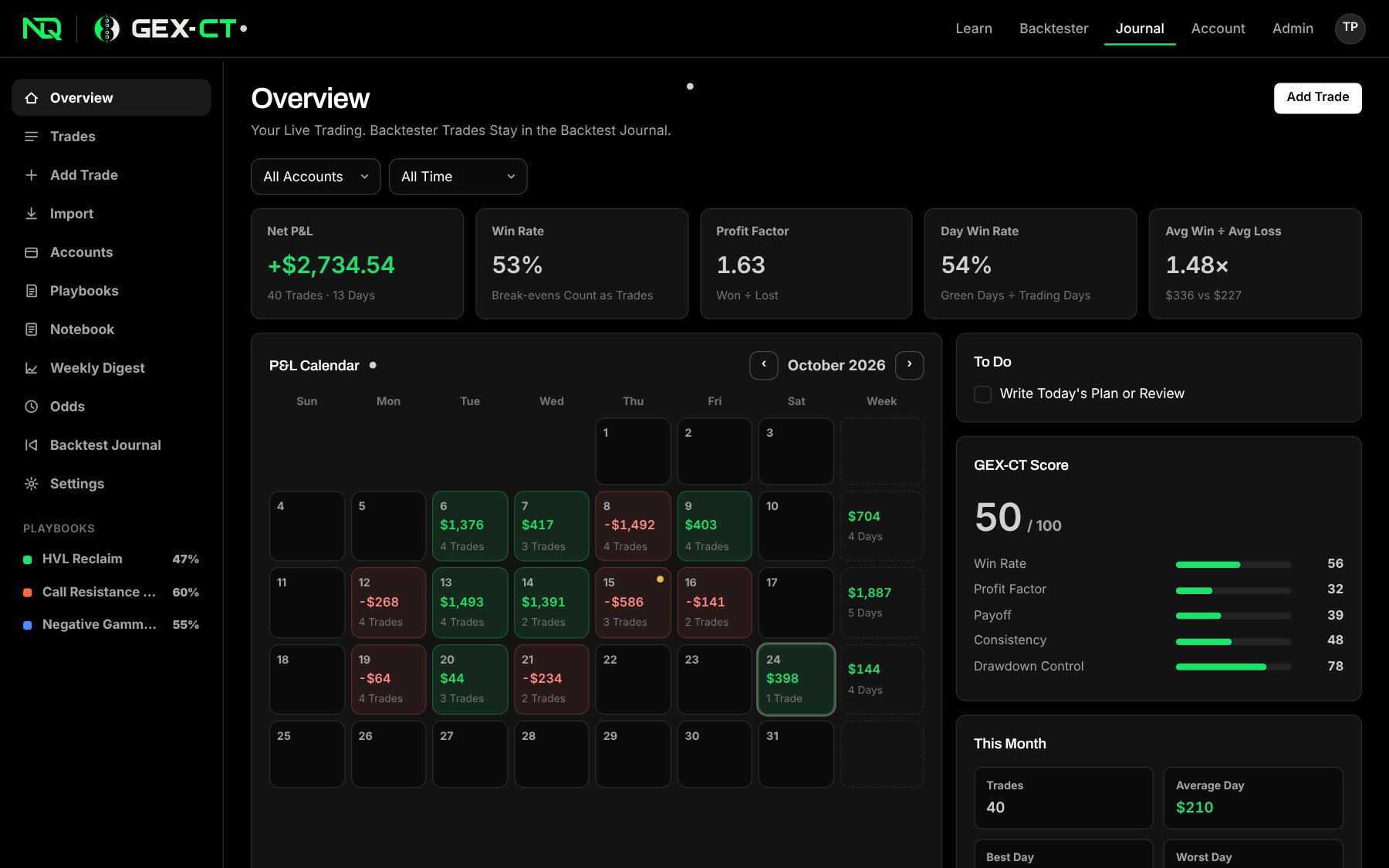
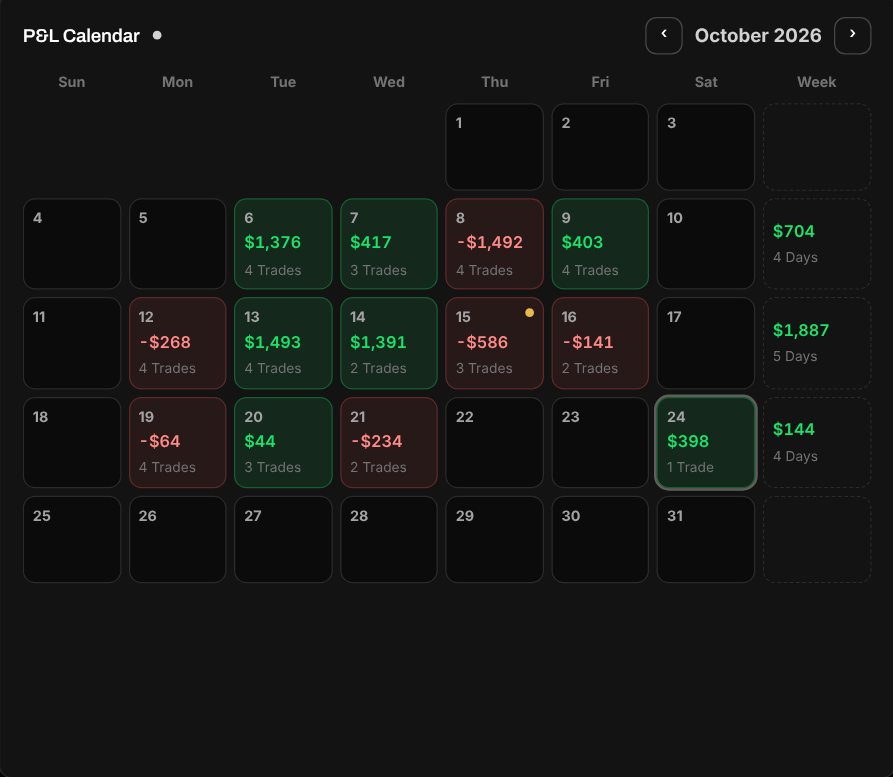
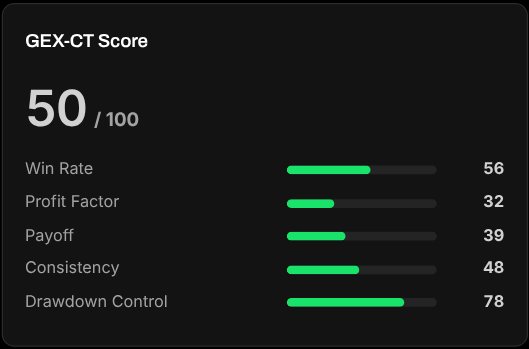
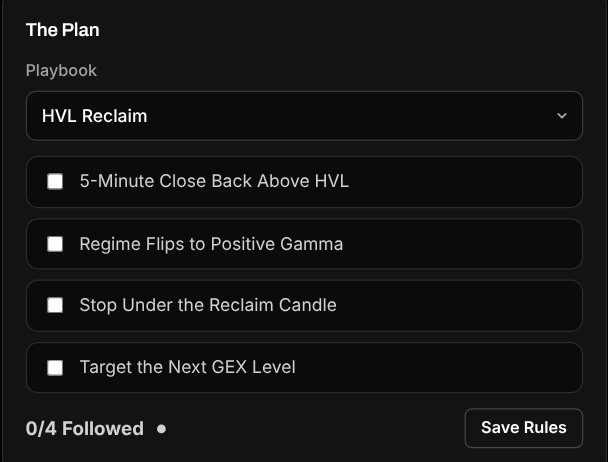
A Journal That Knows The Regime
Every trade tagged with its gamma regime and distance to the levels, imported trades included.
Free With An Account
Start Here For Free
No card needed.
Learn The Model
Tom's courses on ICT, GEX levels and how to combine them.
Start Learning Free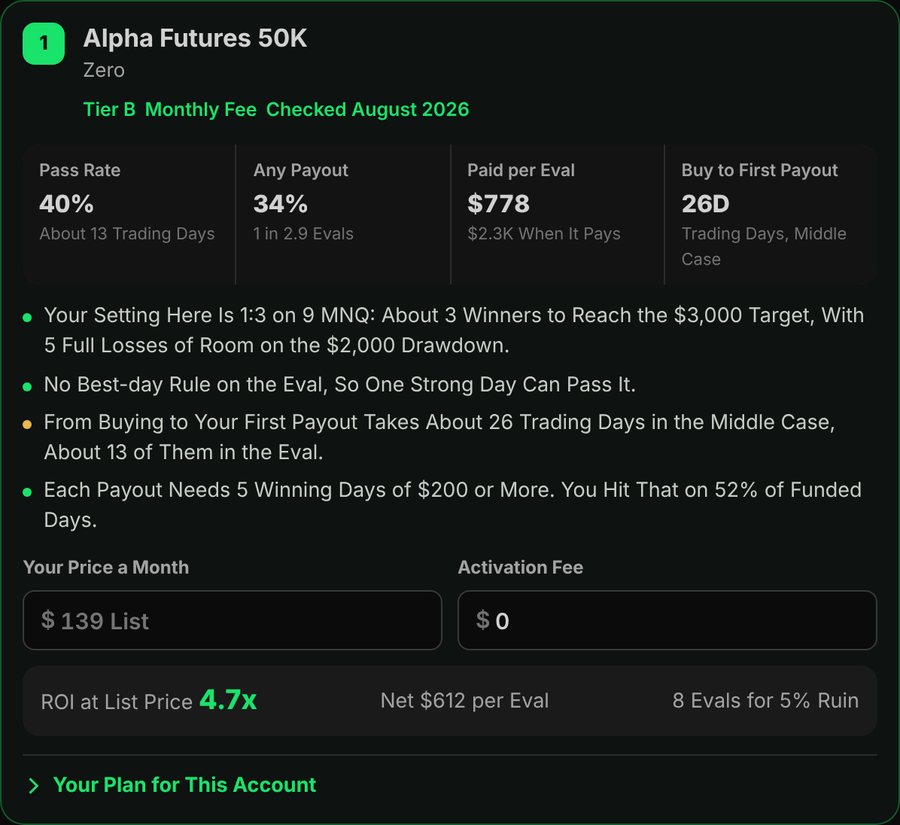
Find The Prop Accounts That Pay You
Your stats run through 724 accounts from 50 firms.
Open The CalculatorPricing
GEX-CT Full Suite
The indicator, the backtester and the journal.
Free for 7 days, then billed until you cancel.
Start 7-Day Free TrialCancel anytime from your profile. Cancel before the trial ends and you won't be charged. Payments are handled by Stripe.
- GEX-CT | Pro+ For TradingView
- NQ Backtester With GEX Levels
- Full Journal
- GEX Context On Every Trade
- Desktop And Phone

ProfitMax Execution Cohort
By application. We take the system you already trade and fix how you execute it.
Apply To The Cohort- Execution Diagnostic
- Your Blueprint
- 1-On-1 And Group Calls
- Daily GEX Levels
Questions
Anything else, email contact@nqtom.com.
What is GEX-CT?
It's how Tom trades NQ. ICT tells you where to look and when to get in, and GEX levels from options data tell you which of those levels have real positioning behind them.
What's the difference between the Full Suite and the Cohort?
The Full Suite is the software, and you use it on your own. The Cohort is the program: we go through your trades, build your blueprint and hold you to it on calls. It's by application.
Is live GEX data included?
The backtester comes with the GEX levels for every session it replays. For live trading, the indicator plots levels from your own options data provider. Cohort members get the daily levels.
How do I get the indicator?
After you sign up, add your TradingView username on your Account page. Access is granted to that username.
Can I import my live trades?
Yes. Import a Tradovate Performance export, a fills export or any trade CSV. Re-importing the same file never creates duplicates.
How do I cancel?
Open your Account page and press Cancel Plan. Cancel before the 7-day trial ends and you won't be charged.